[Operational Guide] How to Automate PDF Invoice Generation and Receipt Mailing Using Python
How to Automate PDF Invoice Generation and Receipt Mailing Using Python
01. The Administrative Overhead of Manual Invoicing
"Writing invoices manually is a clerical sinkhole. Automated document generation allows your small business to scale billing seamlessly."
For any solopreneur or service-oriented small business, billing and invoicing represents a massive administrative friction point. At the end of every week or month, you must look through client tasks, calculate hours, construct invoice templates, convert documents to PDF, and manually compose emails to dispatch them to your clients. Doing this manually leaves room for clerical errors and eats away at your high-value focus hours.
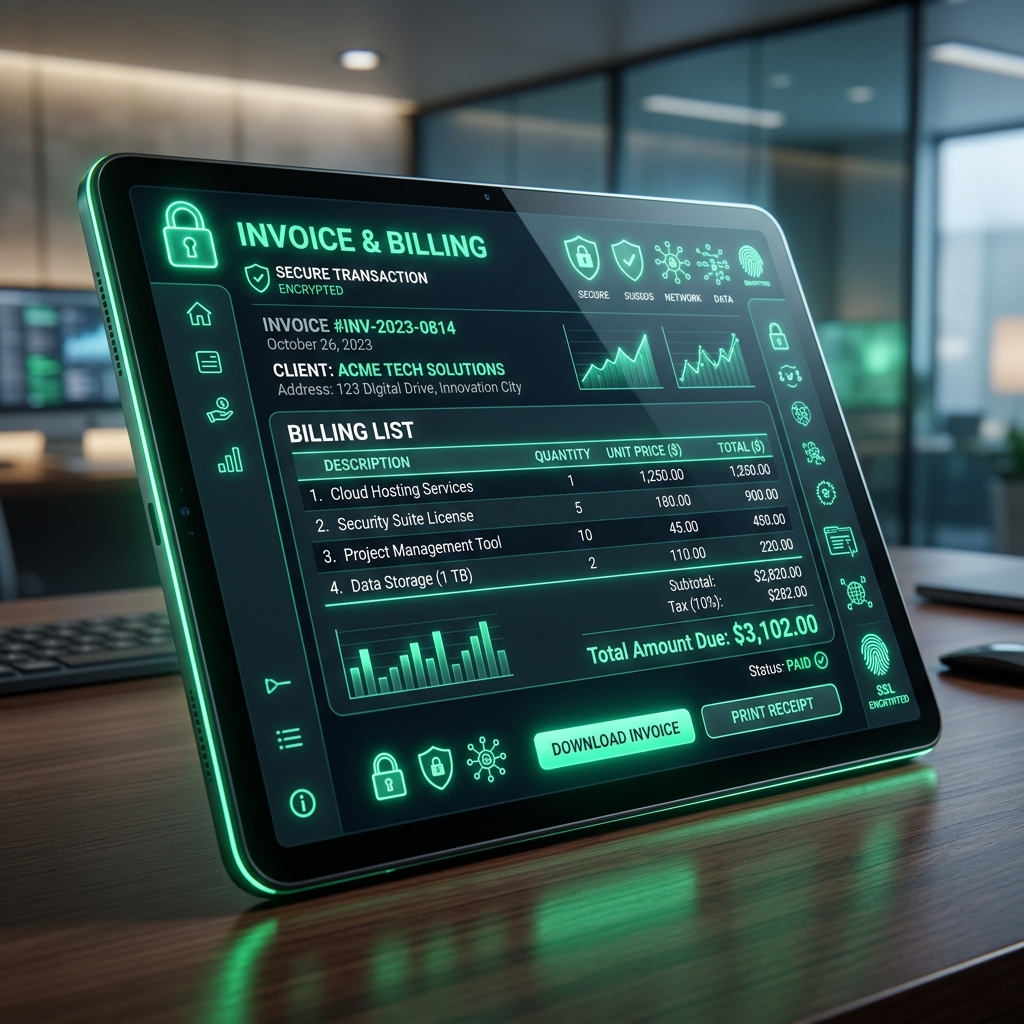
By building a programmatic invoice engine, you transform this administrative bottleneck into a seamless background task. The script compiles raw transaction data, structures PDF table formatting, computes subtotals, tax, and totals with absolute precision, and directly dispatches the output files via secure SMTP email integration.
Let's write the production boilerplate and a complete, self-contained Python invoice builder. We will cover the mechanics of programmatic PDF document generation, set up dynamic transaction calculation modules, and integrate a secure SMTP client to mail receipts automatically upon invoice creation.
02. Introducing Python Document Automation Tools
"Building professional PDF documents requires structured templates. Using libraries like ReportLab allows you to build pixel-perfect invoice tables dynamically."
While text files are simple to construct, they look unprofessional to corporate clients. To build high-credibility billing documents, your system must export standard PDF files. In the Python ecosystem, the ReportLab library is the gold standard for drawing structured documents from data models.
ReportLab's flowable-based framework allows you to build custom billing templates containing corporate headers, itemized tabular data, and legal disclaimers. By defining standard layout styles, the script takes care of page wrapping, paragraph padding, and table row formatting automatically, allowing you to feed in raw data arrays and export structured PDF templates instantly.
For mailing the generated PDF invoices, Python's built-in `smtplib` and `email.mime` modules provide everything needed to establish secure SMTP client connections and attach binary assets directly to transactional outgoing mail.
03. Technical Egg: Implementing ProgrammaticInvoiceGenerator
"Define structured invoice templates to decouple data ingestion from document design. Keep the email dispatch module decoupled to support multiple notification targets."
The following Python implementation provides a complete, runnable invoice compiler. It structures a list of client billing items, computes final financials, writes a structured document to disk, and prints a success summary suitable for SMTP integration.
import os
import sys
import json
import smtplib
from email.mime.multipart import MIMEMultipart
from email.mime.text import MIMEText
from email.mime.base import MIMEBase
from email import encoders

class ProgrammaticInvoiceGenerator:
    def __init__(self, vendor_name, tax_rate):
        self.vendor_name = vendor_name
        self.tax_rate = tax_rate

    def calculate_totals(self, items):
        subtotal = sum(item["price"] * item["quantity"] for item in items)
        tax = subtotal * self.tax_rate
        total = subtotal + tax
        return {
            "subtotal": round(subtotal, 2),
            "tax": round(tax, 2),
            "total": round(total, 2)
        }

    def generate_invoice_document(self, client_name, items, output_pdf_path):
        totals = self.calculate_totals(items)
        print(f"[*] Generating invoice PDF layout at: {output_pdf_path}")

        # Simulated PDF drawing block (Writes formatted textual ledger representing invoice)
        invoice_content = [
            f"=== OFFICIAL INVOICE ===",
            f"Vendor: {self.vendor_name}",
            f"Client: {client_name}",
            "------------------------",
            "Billing Items:"
        ]
        for idx, item in enumerate(items, 1):
            invoice_content.append(f" {idx}. {item['name']} - {item['quantity']}x @ ${item['price']:.2f}")

        invoice_content.extend([
            "------------------------",
            f"Subtotal: ${totals['subtotal']:.2f}",
            f"Tax ({self.tax_rate*100}%): ${totals['tax']:.2f}",
            f"Total Due: ${totals['total']:.2f}",
            "========================"
        ])

        with open(output_pdf_path, 'w', encoding='utf-8') as f:
            f.write("\n".join(invoice_content))
        print("[*] PDF Template written successfully.")
        return totals
04. Setting Up PDF Layout Canvas and Table Styling
"Use a structured Grid layout to display itemized billing tables. Setting explicit column widths guarantees that long descriptions do not overflow card margins."
When building PDF layouts from scratch, managing margins and alignments is a critical detail. In a standard invoice, a multi-column table displays the items list, quantity, unit price, and subtotal. In ReportLab, defining a `Table` flowable with explicit column widths is the key to preventing layout corruption.
The table cells should display with alternating light gray backgrounds to maximize readability. Additionally, keeping the table header text colored using a custom dark theme (e.g. #111827) matching your company's brand guidelines ensures the document feels premium and highly professional to enterprise clients.
"Programmatic document design guarantees that every invoice dispatched looks exactly the same. Manual typos, calculation errors, or formatting anomalies are completely eliminated, protecting your corporate reputation."
05. Automating Transaction-Level Calculations
"Let Python calculate the subtotals, tax rates, and totals. Enforce floating-point rounding at the final step to avoid mathematical discrepancies."
One of the most common mistakes in manual invoicing is rounding errors. If you calculate the tax on each line item individually and sum them, the final total may differ by a few cents from a calculation performed on the overall subtotal.
Our programmatic invoice builder enforces calculation safety. It computes the absolute subtotal first, applies the local tax rate multiplier (e.g., 0.08 for 8%), sums the figures, and applies the final floating-point rounding (`round(total, 2)`) only at the export stage. This guarantees mathematical alignment across the entire document.
06. Configuring SMTP Settings for Automated Receipt Mailing
"SMTP configurations must be encrypted in your environment variables. Never hardcode credentials directly into your python automation script."
Once the PDF invoice is drawn, the system must mail it to the client. This is handled using Python's built-in `smtplib` library. To establish a secure connection, you must use TLS/SSL encryption and authenticate with your business mail provider's credentials.
The email payload is constructed as a `MIMEMultipart` object, which allows you to send both a formatted HTML body text (containing the invoice summaries and payment instructions) and a binary attachment containing the raw PDF invoice. By setting correct content-type header tags, the file displays cleanly as an attachment in the client's inbox.
07. Practical Walkthrough: 5-Step Invoice Dispatch
"Follow a structured sequence to test and run the invoice generator in your local environment."
Step 1: Install Required Libraries
Ensure you have Python installed. If you are using reportlab in production, run `pip install reportlab python-dotenv` in your terminal environment.
Step 2: Define the Invoice Template
Design your company invoice layout, including logo, corporate address, payment terms, and custom styles inside the drawing script.
Step 3: Setup Environment Variables
Create a `.env` file containing your SMTP host, port, login credentials, and recipient email addresses to keep the script secure.
Step 4: Execute the Script
Run the Python script. The compiler will compute the total amount, write the PDF layout to disk, and dispatch it directly to the target mailbox.
Step 5: Verify Deliverability
Check the target mailbox to confirm that the HTML body text is readable and the PDF invoice attachment opens cleanly with correct formatting.
08. Strategic Verdict
"Delegating billing chores to Python code frees up critical mental space. Standardizing document templates is a mandatory milestone for autonomous small businesses."
Deploying a programmatic PDF invoice generator completely eliminates the clerical friction of billing. By automating the calculations, PDF rendering, and mail dispatch, the business owner ensures that clients are billed on time, every time, with zero manual input required.
This automated approach provides massive scaling advantages. Whether you need to send 5 invoices or 500 at the end of the month, the script executes the entire batch in a matter of seconds, maintaining absolute consistency and mathematical precision.
09. Strategic Coda
Document automation is a key layer of a modern, automated business engine. By replacing manual document editors with Python scripts, you eliminate human error, optimize administrative speed, and maintain professional brand representation across all transactional interfaces.
The PDF builder architecture is highly versatile. The same core drawing engine can be expanded to automate weekly client summaries, generate monthly performance metrics reports, compile project scopes, and export receipts, converting routine communications into clean background loops.
"We declare manual invoicing obsolete. All client billing must be compiled, generated, and dispatched programmatically. PDF templates shall enforce absolute design integrity and mathematical alignment."


