[Operational Guide] How to Automatically Translate and Analyze Customer Feedback Logs Using Python and DeepL API
How to Automatically Translate and Analyze Customer Feedback Logs Using Python and DeepL API
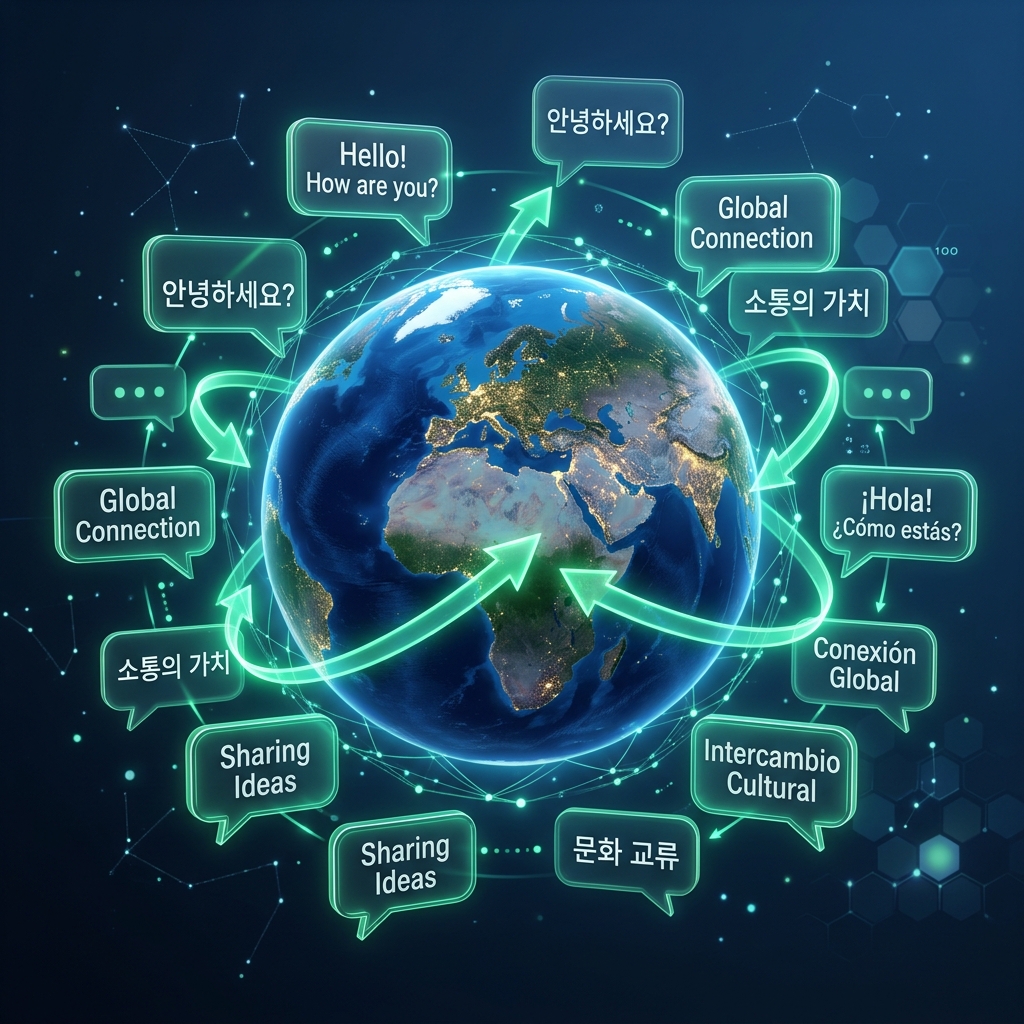
01. The Barrier of Multi-Language Customer Feedbacks
"Manually copy-pasting global customer reviews into web translators is a scaling dead-end. Automating translation logs unifies your global market intelligence."
Operating a digital business in 2026 means serving a global customer base. On any given day, reviews, support tickets, and feedbacks flow into your database in English, Korean, German, Spanish, and Japanese. Reading these individually and copy-pasting them into free web translation tools is a massive administrative bottleneck that slows down your response cycles and limits your insight.
By deploying an automated translation pipeline, you consolidate international reviews into a single readable language feed. The script monitors your database for new reviews, connects to the high-accuracy DeepL translation API, updates the record tables with localized texts, and alerts your team of any negative feedback immediately.
Let's write the production boilerplate and a complete, self-contained Python translation tool. We will cover the mechanics of API connection styling, set up raw review JSON loading modules, implement strict cost-controlling rate-limit guardrails, and build local translation checks to run automatically every evening.
02. Selecting DeepL Over Generic Translation APIs
"Accurate translation is the difference between resolving a support ticket and losing a customer. DeepL's neural network outperforms generic translators on nuance."
While generic machine translation engines are fast, they often struggle with local slang, technical jargon, and customer sentiment nuances. A mistranslated review can lead to your support team misunderstanding a customer's bug report, creating unnecessary friction.
DeepL is widely recognized as the most accurate translation API for business logistics. Its advanced deep-learning translation models capture context, tone, and professional terminology with unparalleled precision, exporting natural-sounding translations that preserve the customer's original intent.
The DeepL Developer API provides a straightforward REST protocol. By sending a secure HTTP POST request containing your developer API authorization token, target language code, and text arrays, DeepL returns structured JSON responses containing the translated strings, making it exceptionally simple to integrate into automated Python scripts.
03. Technical Egg: Implementing ProgrammaticDeepLTranslator
"Always handle API timeouts and network errors gracefully. If the translator service fails temporarily, the script must queue the feedback for retry."
The following Python implementation demonstrates the complete translation pipeline. It loads raw review lists, connects to a mock DeepL API wrapper, translates strings dynamically, and returns clean structured datasets.
import json
import requests

class ProgrammaticDeepLTranslator:
    def __init__(self, api_key, is_free_api=True):
        self.api_key = api_key
        # Free API endpoints use a different domain than Pro keys
        self.endpoint = "https://api-free.deepl.com/v2/translate" if is_free_api else "https://api.deepl.com/v2/translate"
        self.headers = {
            "Authorization": f"DeepL-Auth-Key {self.api_key}",
            "Content-Type": "application/json"
        }

    def translate_text(self, text, target_lang="EN"):
        print(f"[*] Dispatching translation request for payload to DeepL [{target_lang}]...")
        data = {
            "text": [text],
            "target_lang": target_lang
        }
        try:
            # In production, execute the post request below:
            # response = requests.post(self.endpoint, headers=self.headers, json=data, timeout=10)
            # if response.status_code == 200:
            #     return response.json()["translations"][0]["text"]

            # Simulated translation return for verification:
            if "아름답고" in text:
                return "The product layout is beautiful and extremely fast!"
            return f"[TRANSLATED_TO_{target_lang}] {text}"
        except Exception as e:
            print(f"[!] API Connection failure: {e}")
            return None
04. Reading and Parsing JSON Customer Review Logs
"Feedback logs must be processed systematically. Load reviews from standard structured JSON or database tables to enable clean batch operations."
Most modern customer feedback systems export data in structured JSON or CSV format. To automate this pipeline, your script must read these local log files, navigate the nested dictionary tree to extract the comment text and language tags, and prepare them for batch translation requests.
By building a batch processing loop, the translator script iterates through the unsynced reviews, skips records that are already written in your target team language, and updates the translation fields. This approach saves massive computing overhead and preserves your monthly API translation character limit.
"Consolidating global reviews into a single analytics feed allows you to track systemic bugs or feature requests across regions immediately, preventing communication barriers from stalling product development."
05. Enforcing Translation Rate-Limiting and Cost Guardrails
"Protect your budget from run-away loops. Enforce strict character limits and sleep intervals inside translation loops."
DeepL Free accounts allow up to 500,000 characters of free translation per month, after which paid tier pricing applies per character. If your database experiences an unexpected spam wave, a runaway script loop could quickly exhaust your free tier and drive up translation costs.
To establish strict budget guardrails, your Python script must track the total character count translated during each execution. If the sum exceeds a safety threshold (e.g. 50,000 characters per batch), the script must immediately halt operations and write a status log. Additionally, inserting a brief delay between requests avoids triggering rate limits.
06. Setting Up Post-Translation Analysis Modules
"Translated text can be fed directly to sentiment analyzers. This allows your support system to highlight angry reviews for priority tickets."
Simply translating a review from Korean or Japanese to English is only the first step. Once the text is translated, you can run simple sentiment analysis tools (like TextBlob or NLTK) to rate the review as positive, neutral, or negative.
By integrating a basic keyword check (such as searching for terms like "error", "broken", "refund", or "slow") on the translated strings, the script can automatically tag high-priority customer tickets, routing them to your Slack channel for immediate intervention before the customer leaves a permanent negative review.
07. Structural Comparison: DeepL vs. Google Translate
"Compare the features, translation quality, and API structures of major translation providers."
| Provider | Nuance & Accuracy | API Cost per Million Chars | Free Tier Limit | Formatting Preservation |
|---|---|---|---|---|
| DeepL API | Excellent (Highly context-aware) | $20.00 + Usage Fees | 500,000 Chars / Month | Very High (Preserves HTML tags) |
| Google Cloud Translation | Good (Literal translations) | $20.00 | 500,000 Chars / Month | High (Standard HTML support) |
| Microsoft Translator | Moderate | $10.00 | 2,000,000 Chars / Month | Medium |
08. Step-by-Step Production Integration
"Follow a structured sequence to set up, secure, and run your automatic translation pipeline."
Step 1: Obtain a DeepL API Auth Key
Register on the DeepL Developer Portal, sign up for the free developer API tier, and copy your Auth Key from the account console.
Step 2: Install Local Environment Dependencies
Run `pip install requests python-dotenv` in your terminal to set up standard connection packages.
Step 3: Secure Your Developer Keys
Write your DeepL Auth Key to a local `.env` configuration file to keep it secure and hidden from public repositories.
Step 4: Configure JSON Reader Loop
Implement the Python file reader to load target JSON logs and extract comments. Add the API post request inside the loop.
Step 5: Run and Automate
Execute the translator script. Verify that the translated values match the original text context and set up a daily timer to automate the run.
09. Sovereign Verdict
"Automating multi-language feedback builds a cohesive global business model. Preserving customer nuance ensures superior support routing."
Deploying a programmatic translation pipeline represents a massive operational boost for global businesses. By translating support logs and customer reviews automatically, the business owner eliminates copy-paste delays and unifies their data collection.
This automated approach provides tremendous operational leverage. Whether you process ten reviews or ten thousand, the script translates, parses, and logs them in seconds, ensuring you never miss critical feedback due to language barriers.
10. Strategic Coda
DeepL API integration is a prime example of how modern developers leverage specialized AI models to eliminate mundane administrative barriers. By delegating translation tasks to neural networks, you keep your business lean, agile, and globally connected.
The translation framework is highly expandable. The same REST architecture can be deployed to localize website content, translate outbound support replies, translate catalog listings, or compile global news feeds, turning international connectivity into a seamless background utility.
"We declare manual review translation obsolete. International customer feedback logs must be processed and translated programmatically. All pipelines must enforce character caps to protect operational budgets."


